Scanning and browsing are free ・ Saving needs LAILOLA Pro, a one-time US$19.99 (not a subscription)
Requires a local iPhone backup on this Mac. iCloud-only and encrypted backups can't be read yet. What LAILOLA can't do
LAILOLA is a Mac app. Reading this on your phone? Send this page to yourself and open it later on your Mac.
No backup on hand? No problem. Click "Get Started", and the next screen lets you try a fully fictional anonymous demo.
FreeScan and preview
OncePro is a one-time purchase
AnonymousBuilt-in demo data
On-MacChat parsing and search
VIDEOS
Watch it in action
Short videos on how it works and what you might find in your backup. Videos start muted.
TRY IT
Try it yourself
Small samples of what LAILOLA does. They are illustrations for this page, not actual app screens.
An expired photo
A photo that no longer opens in the chat because it expired.
If it's still in your backup, you can find it.
Anything that was already gone before the backup was made can't be found. Photos that only exist as thumbnails are clearly labeled as thumbnails.
That message from 3 years ago
One remembered word brings back the message.
MMar 14, 2023 ・ MomThe bakery by the station opens at 8 on Sundays
YNov 2, 2024 ・ YukiWhere should we order the birthday cake?
DJul 21, 2022 ・ DadWhat time should we meet at the station for the fireworks?
YMay 8, 2024 ・ YukiThe melon bread at the new bakery was so good!
MJan 1, 2025 ・ MomHappy New Year! Take good care of yourself this year
KSep 12, 2021 ・ KenI'll send the moving-day photos later
Try your own words too. The free version can search; it shows the count and the first 5 results.
Back up → Scan
LAILOLA reads the iPhone backup on your Mac.
1Back up with Finder
Your iPhone to your Mac. About 30 minutes the first time; leave encryption off
2Scan with LAILOLA
128Chats
3,412Photos
86Files
3Viewing is free. Save what you need with Pro
The numbers are an example. How long it takes depends on the size of your backup. Your original backup is only read, never changed.
SCREENS
See the screens
Before you buy, see exactly what you can view and what you can keep.
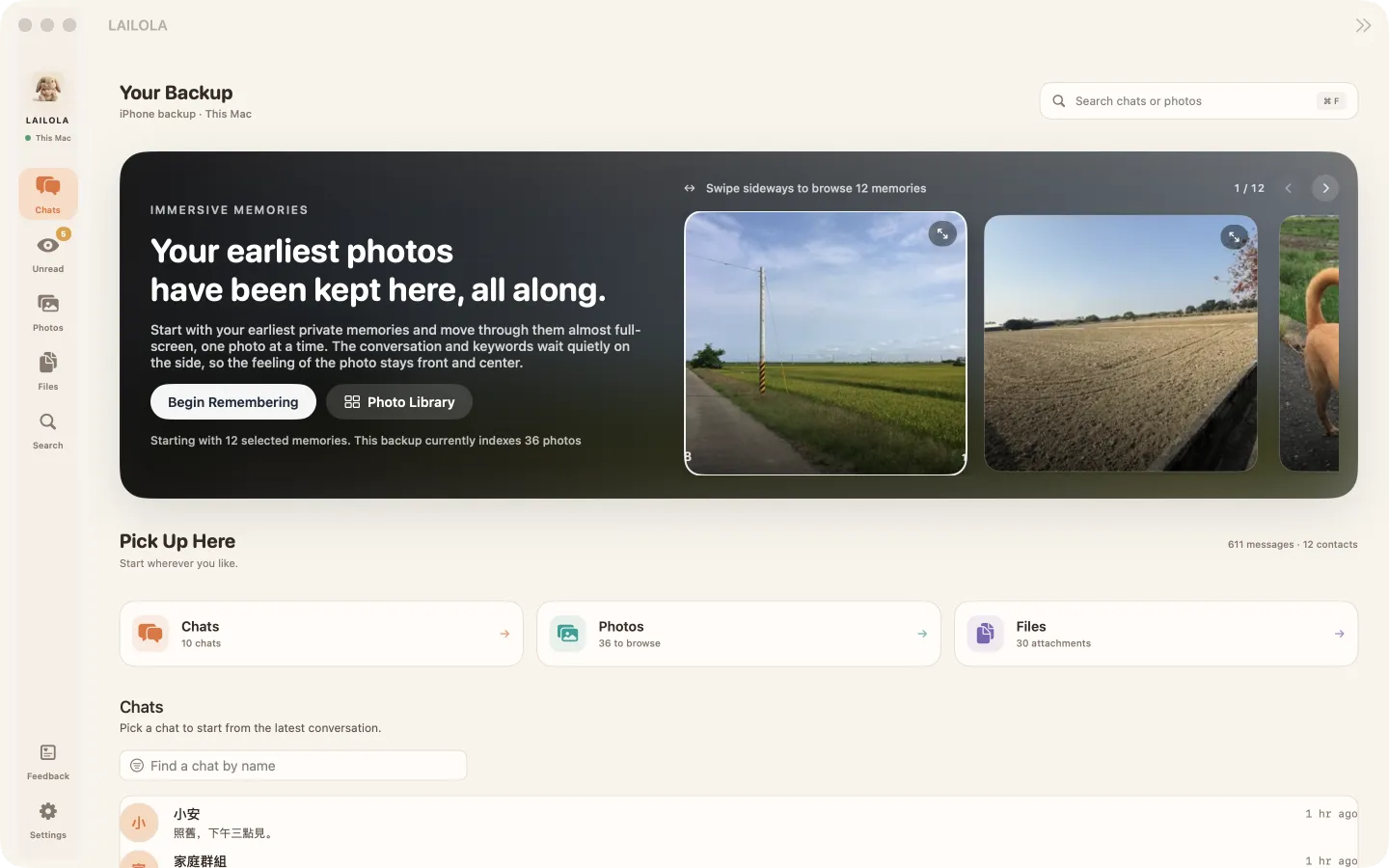
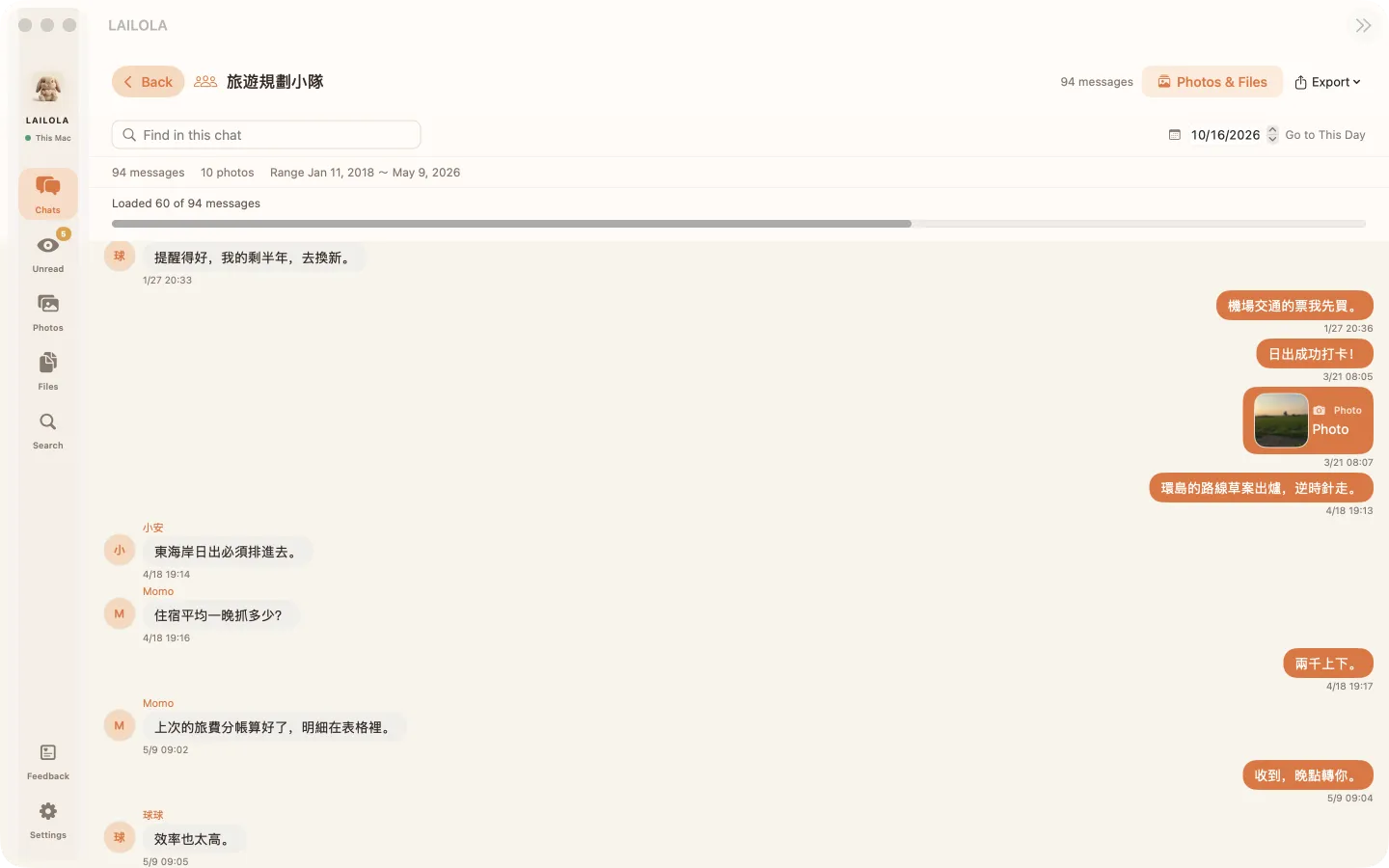
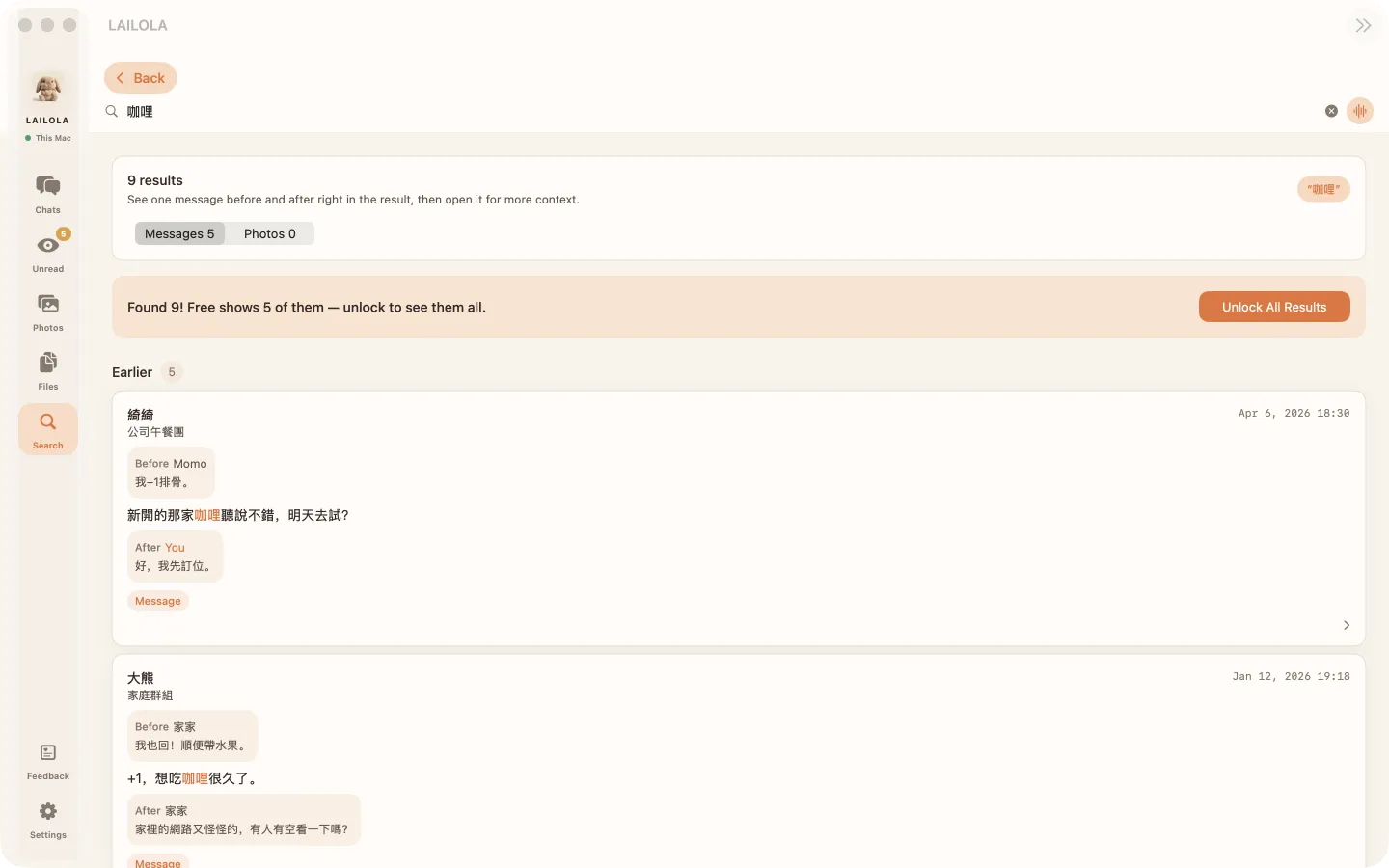
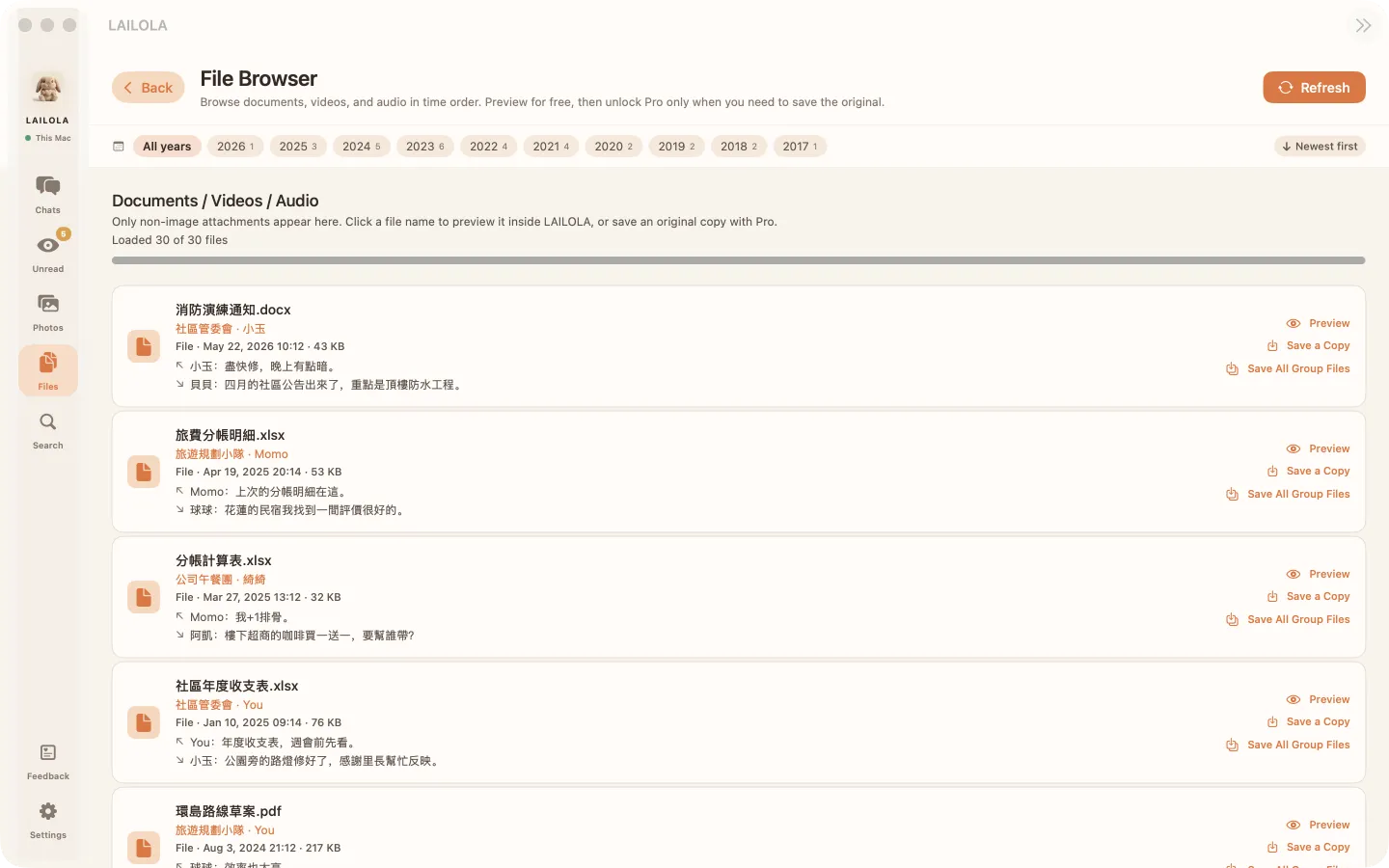
Overview: how many chats, photos, and files are still in the backup, starting with your earliest photosPhotos: arranged by year, with thumbnail-only photos clearly labeledChats: read from the very first message; Export to TXT or PDF (Pro)Search: find an old message by one word; the free version shows the count and the first 5Files: documents and spreadsheets in date order, with preview inside the app
All screens show fictional, anonymous demo data (the demo chats are in Traditional Chinese).
WHAT YOU CAN DO
See what's inside before you decide
Check what's still in your backup before paying anything. If you don't need to export, you can simply finish and leave.
Browse your own backup
Reads the iPhone backup you made with Finder or iTunes — no LINE login required.
Search across chats
Builds a search database on your Mac and finds the conversations actually preserved in the backup.
View photos and attachments
Shows the originals or thumbnails preserved in the backup. What can be recovered depends on the backup contents.
Export only what you need
One purchase of Pro unlocks chat export, saving original photos and attachments, and removes ads.
GET STARTED
Three steps to see inside
The first release supports unencrypted local backups. Your original backup is always treated as read-only.
1
Back up with Finder
Make a local backup of your iPhone on this Mac.
2
Select it in LAILOLA
Grant access to the backup folder from the file picker.
3
Browse and keep
Preview for free, and buy Pro only when you need it.
Chat content is never uploaded to LAILOLA or Pubvio
Chat content and sensitive data are never used to select ads
No cross-app or cross-site tracking
No Pubvio ads are loaded after unlocking Pro
WINDOWS
Coming soon to Windows
Works on Windows 10 (22H2) and Windows 11. Browse your chats, photos and files and search across chats for free; when you need it, buy Pro once through the Microsoft Store to export chats (TXT, HTML, CSV, PDF) and save original photos and attachments. The Windows version shows no ads.
STEP 1
Install Apple Devices
Get Apple's free "Apple Devices" app from the Microsoft Store.
STEP 2
Back up your iPhone
Connect with a cable, back up all of your iPhone's data to this computer, and leave "Encrypt local backup" unchecked.
STEP 3
Import in LAILOLA
LAILOLA finds the backup automatically and only reads it; the original backup is never modified.
Coming soon to the Microsoft Store
LAILOLA PRO
The moment you need it is the moment to buy
Not a subscription. The free preview stays free — one purchase unlocks the saving features.
US$19.99One-time, Mac App Store in-app purchase. The App Store price shown to you applies.